Take bookings straight from Instagram and Facebook
By the hey.booked team
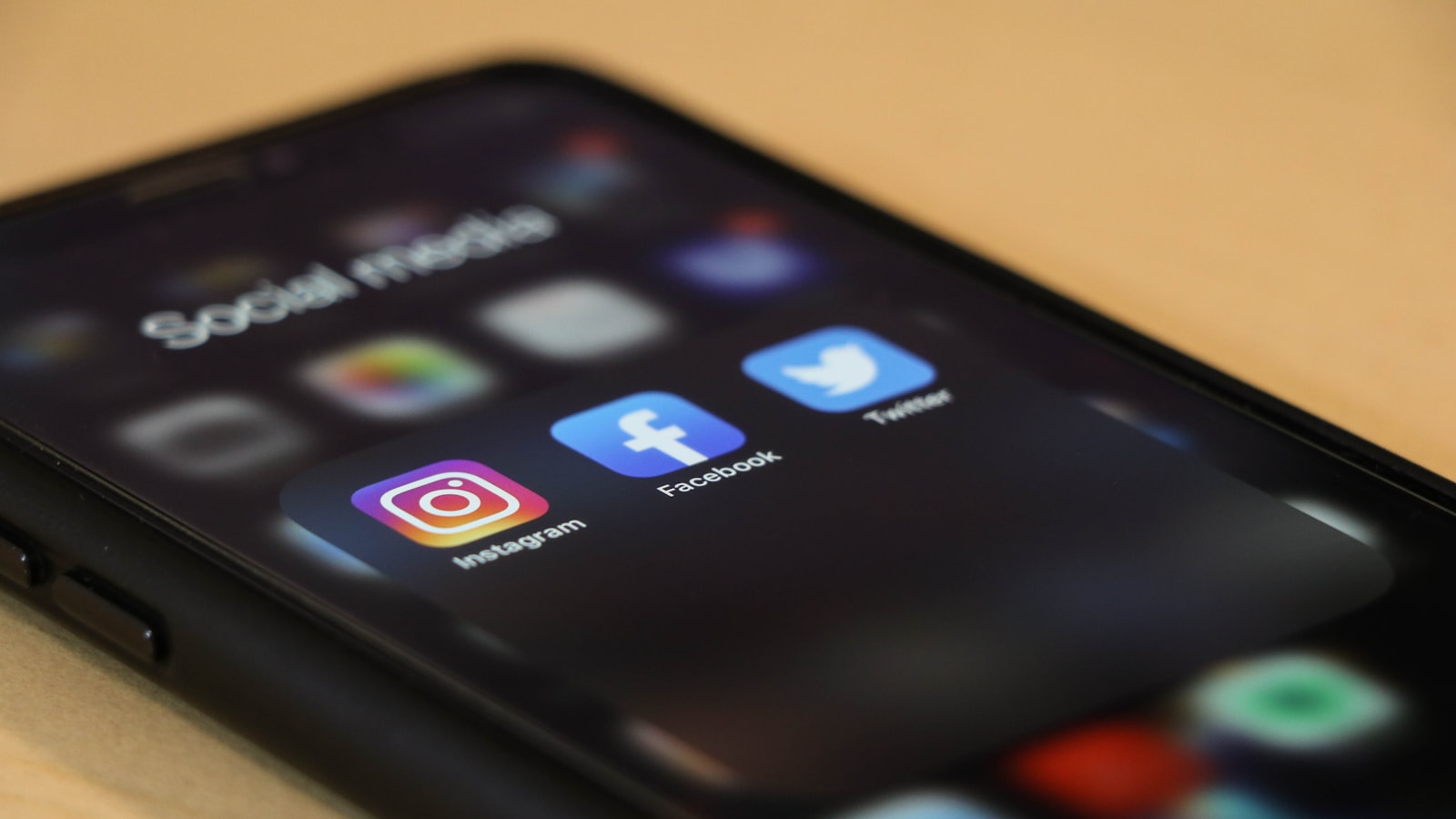
Someone sees your work in their feed, taps your profile, and thinks "I want that." That is the warmest a new client ever gets. The question is what happens next. If the only way to book is to send a DM and wait, a lot of that intent cools off before you ever reply. The whole game is catching it while it is hot.
Put a booking link in your bio
This is the simplest, highest-return change you can make. Your bio link is the one tappable spot on your whole profile - point it straight at your booking page, not your homepage. Someone who just admired your work should be one tap from picking a time, not three taps from a contact form. If you run link-in-bio tools, put booking at the very top.
Add a Book button on Facebook
Facebook Pages have a call-to-action button right under your cover photo. Set it to "Book now" and link your booking page. It sits there permanently, on every visit, doing the asking for you. Same idea on Instagram if you have the action button available - the less someone has to think about how to book, the more often they do.
Stop the DM ping-pong
The "are you free Saturday?" / "what time?" / "how much?" thread eats your evenings and loses bookings to whoever replies first. When a DM asks to book, you do not need a conversation - you need one line: "Yes! Grab any open slot here: [link]." It answers the question, shows your real availability, and books the client while you are with someone else.
Turn posts and stories into bookings
Every time you post great work, you are advertising - so close the loop. Add a link sticker to stories, and end captions with a plain "book in via the link in bio." You are not being pushy; you are answering the question your best posts naturally raise. The follower already wants it. Your job is to make saying yes take one tap, in the moment they feel it.
Fewer no-shows, starting this week
Set up reminders your clients actually read, and a booking page they can use in seconds.